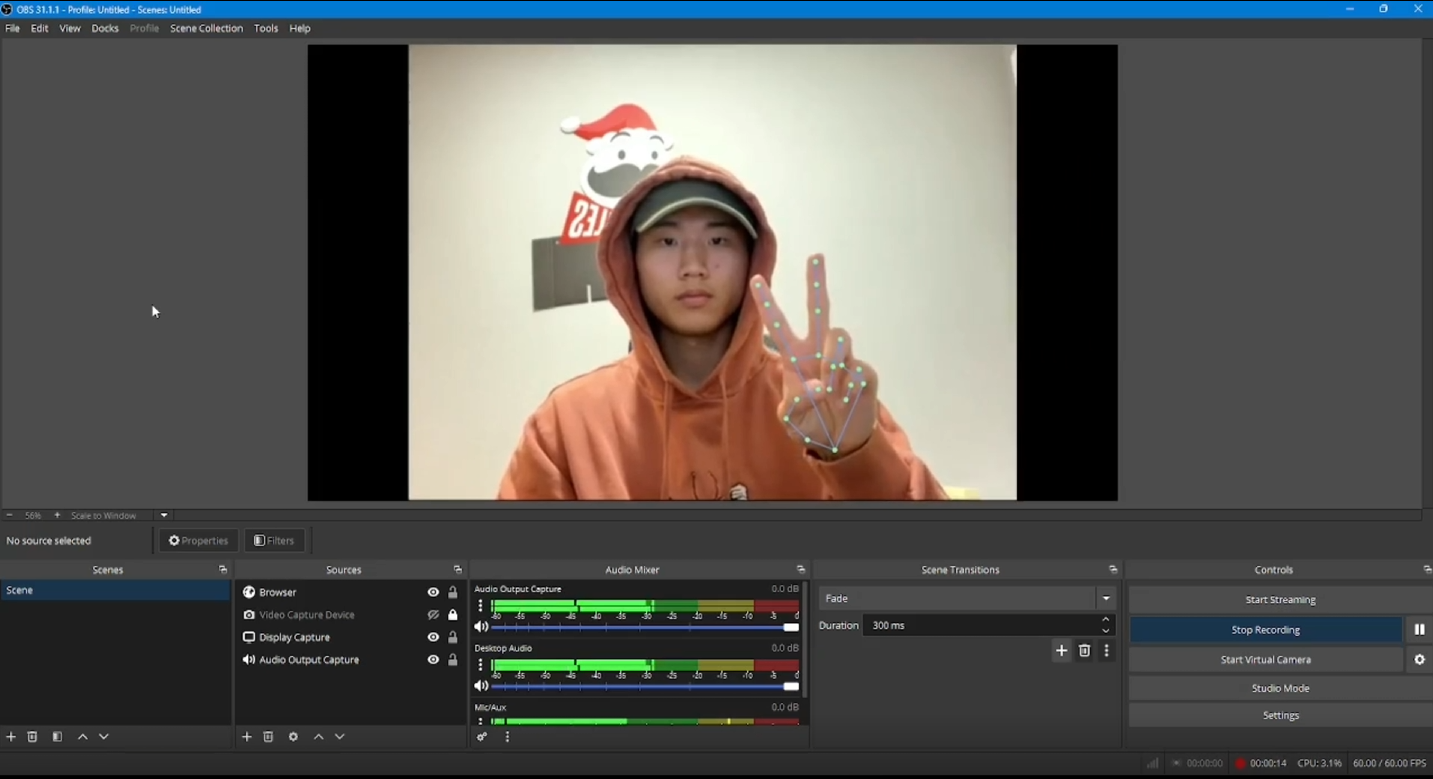
Thumbs-up drops a GIF into your scene. A smile fires confetti. A clap saves the last 30 seconds. Gecko watches your webcam locally and streams its effects into OBS through one transparent Browser Source — no green screen, no capture card, no cloud service.
Gecko runs a small local hub on your PC. It serves a transparent overlay page and streams the composited effects — overlays, banners, screen effects, with the sound mix — to OBS over WebRTC on localhost. Your camera feed and the ML models never touch the internet.


Gecko shows a ready-to-paste local address in Settings → Streaming — one click to copy.
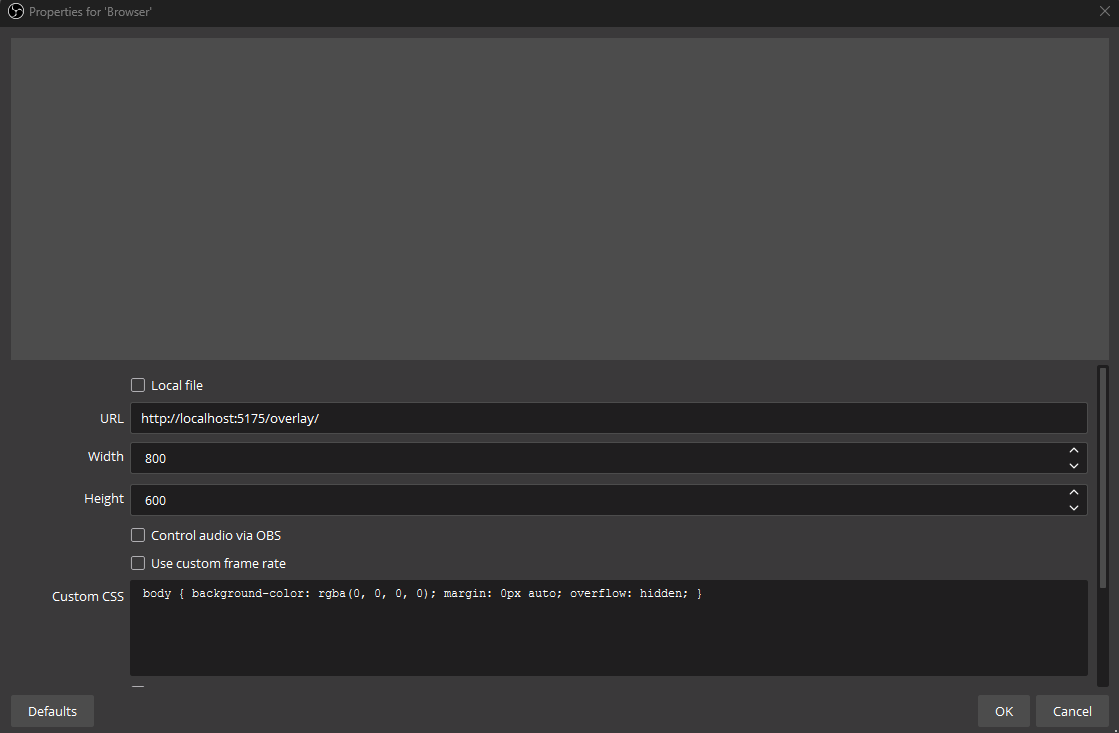
In OBS, add a Browser Source, paste the URL, and size it to your canvas (e.g. 1920×1080).
Fire a gesture — the effect appears in your OBS scene in real time, sound included.
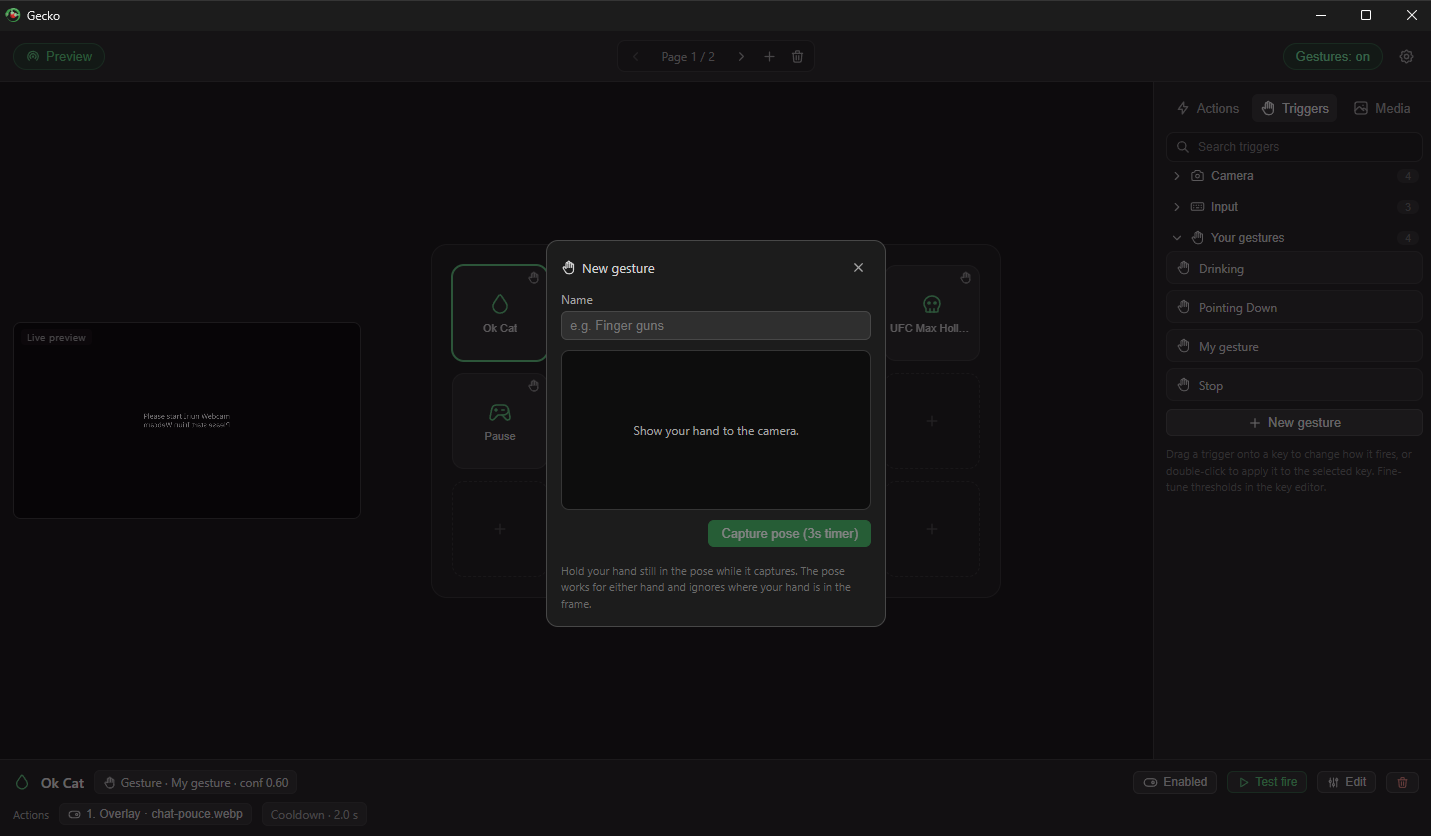
Seven gestures are built in (thumbs up/down, open palm, fist, victory, point, ILY), plus facial expressions, head nods, claps, hotkeys, and timers. Gecko Pro adds custom gestures: show your hand to the camera, hold the pose, name it — finger guns, a heart, a stop sign — and it works like any built-in.

Everything that makes effects fire — all triggers, overlays, sounds, recording, instant replay — is free, and Gecko works standalone without OBS (it composites effects into its own recordings). The OBS Browser-Source overlay itself is part of Gecko Pro, a one-time $9.99 unlock — no subscription. Try everything free first and connect OBS when you're convinced.
Download, allow camera + mic, hold up a thumbs-up.
⬇ Download Gecko for WindowsWindows 10/11 · works with OBS, Streamlabs Desktop, and anything with a Browser Source